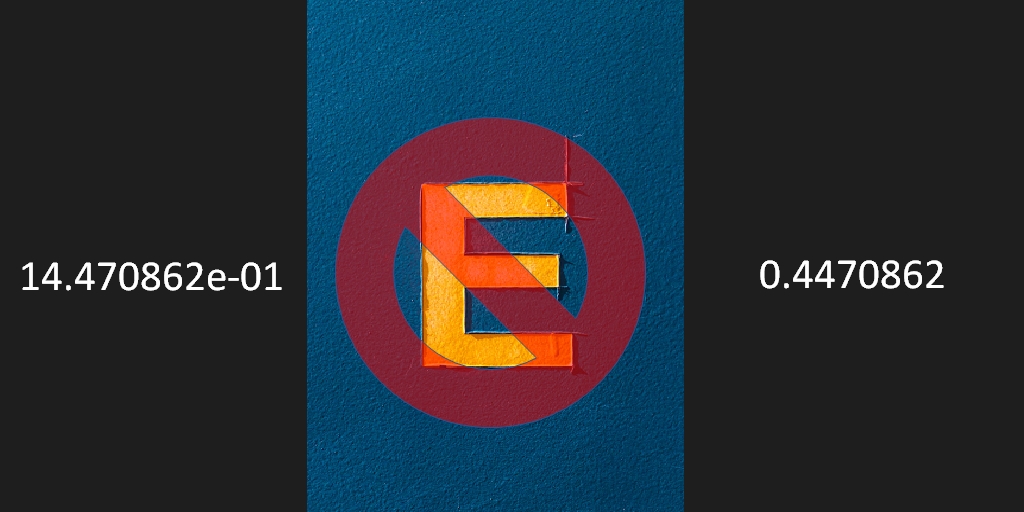
Here is how to remove scientific notation in R. Sometimes, numbers as a result of calculation are not so small. It is hard to read them when they are in scientific formatting.
Remove scientific notation for specific R calculations
To remove exponential notation for specific calculations you can use format or sprintf function.
format(4.470862e-01, scientific = F, digits = 3)

#[1] 0.4470862

sprintf("%.3f", 4.470862e-01)

#[1] 0.4470862
Sprintf function is also great for adding leading zeros: How to add leading zeros in R, Power Query, DAX, or Excel.
Remove notation in the entire R session
You can disable scientific notation in the entire R session by using the scipen option. Global options of your R workspace. Use options(scipen = n) to display numbers in scientific format or fixed. Positive values bias towards fixed and negative towards scientific notation.
1000000000
#[1] 1e+09

options(scipen = 100)

1000000000
#[1] 1000000000
You can reset this option with options(scipen = 0).
Leave a Reply